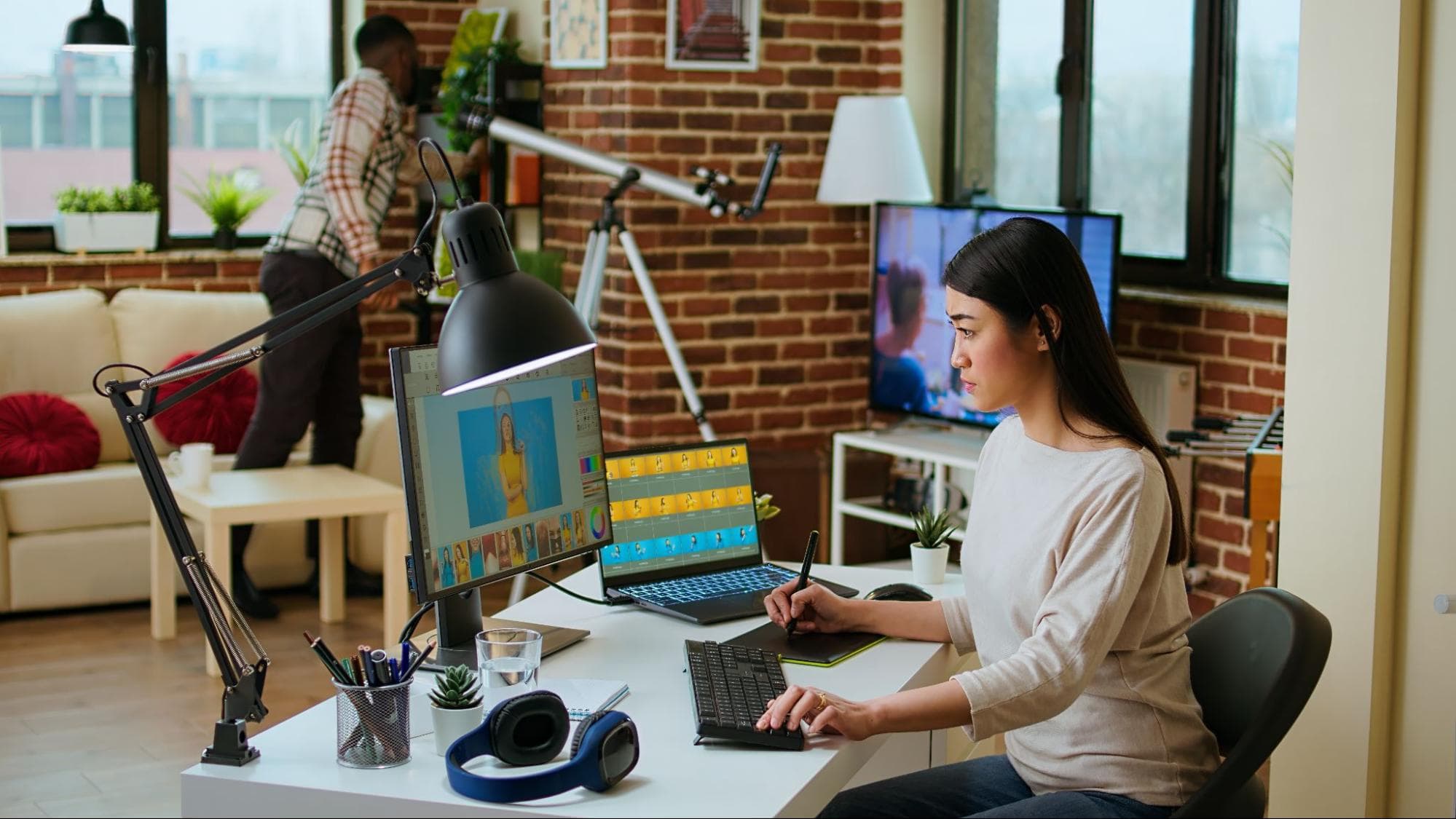
Opening Photoshop for the first time can feel pretty darn overwhelming. There are panels everywhere. Dozens of tiny icons that all look important. You click one thing and something else disappears. It’s the kind of program that makes you think, “yeah… maybe this isn’t for me.” Most people think it’s just for designers or creative pros. But that really isn’t the case. At its core, Photoshop is just a collection of small tools that do simple things. You don’t actually need to know how to use every single feature.
As a student, you’re not trying to become a graphic designer overnight. You just want to edit photos, make decent-looking graphics, and put together projects that don’t look rushed. With a focused plan, you can have it down pat in as little as a week.
Thanks to the Adobe Photoshop student discount, professional design software is more accessible than ever. That’s why Adobe Photoshop has become one of the most worthwhile creative skills for students to learn.
Adobe Photoshop is a graphics editing program and design app used to create, edit, and enhance visual assets. You can use Photoshop to edit photos and graphics, create digital artwork and designs, or layout your next magazine cover.
Photoshop is beneficial for students because it’s versatile. From marketing to media, fashion, photography, UX/UI, and even education, Photoshop skills can translate to nearly any industry. And while you can learn the basics of editing photos in Photoshop pretty quickly, there’s always more to learn. Mastering Photoshop can help you improve your visual literacy, attention to detail, and problem-solving skills.
Regardless of if you want to use Photoshop to create killer social posts, edit photos for class assignments, or pursue a career in the creative field, knowing Photoshop is a useful skill you can continue to learn on your own time.
Don’t “study” Photoshop on day one. That’s the fastest way to get frustrated. Just open it. Grab any photo. Click random stuff. Crop it. Add text. Drag things around. Make mistakes and hit undo. Repeat. That’s actually how most people learn to use this program. This kind of hands-on experimenting helps you understand how Photoshop behaves, not just where buttons are located.
As you do this, you’ll start noticing patterns. Panels live in certain places. Tools react in predictable ways. Layers stack and interact with each other. None of this needs to make perfect sense yet. What matters is that the interface starts to feel familiar rather than intimidating.
Remember, today’s goal isn’t “learn Photoshop”. It’s just “don’t be scared of Photoshop”.
Skills learned:
If there’s one thing that will make Photoshop feel infinitely less confusing, it’s understanding layers. Think of it like a stack of plastic sheets. Your photo’s one sheet. Text is another. Maybe a shape on top. Since they’re separate, you can move stuff around without ruining the entire file.
Layers are really convenient because they allow you to work on your file step by step. You can spend one day editing text, another adjusting the background, and another tweaking small details — all without touching any of the other components. If you mess anything up, just erase or delete the layer and move forward.
Spend this day dragging stuff around. Add some text to one layer. Delete a layer. Move the layers around and see how it affects the project. Over time, you’ll start to see how these little changes can make a huge difference in the final project.
Skills learned:
Today you’ll learn all about basic clean-ups. Nothing fancy. Chances are you’re not airbrushing magazine covers. You’re most likely just adjusting the brightness on dark photos, straightening something that’s a little crooked, or making an image look less dull for a school project. So keep it simple.
Open up a couple of images. Spend the day cropping, straightening and tweaking brightness or contrast. It’s simple, but those little tweaks can make a big difference in how your photo feels. Sometimes, all it takes is a slightly brighter photo or a tighter crop to send something from amateur to professional in seconds.
You’ll soon realise that small adjustments matter more than any “advanced” tool.
Skills learned:
This is the day that Photoshop becomes genuinely useful for normal student life, and not just photo editing. Forget big design projects. Think boring, everyday things you actually need. A quick poster. A slide. A social post. Maybe a thumbnail.
Practice adding text to an image. Experiment with fonts. Resize. Once you start to mess around, you’ll see that little tweaks can make a world of difference. You don’t need to worry about fancy effects at this point. Less is more: Nothing beats clean and simple.
If it looks neat and easy to read, you’re doing fine. Don’t complicate it.
Skills learned:
Okay, here comes the fun part. Cutting things out may sound stressful, but it’s one of the most useful skills you’ll ever learn in Photoshop. Not to mention, it’s also buckets of fun because you get to flex your creativity. It’s what people use to remove backgrounds, switch out scenes, or pull off those edits where somebody looks like they’re standing somewhere entirely different.
You don’t need to start with anything fancy. Test out tools like Object Select or Quick Select. They basically let you “paint” over the part you want to keep, and Photoshop does most of the work for you.
Spend today having fun by cutting yourself or a friend out of a photo and placing them in a funny scene — standing on planet Mars, in the middle of the African safari…you get the idea. Change backgrounds. Make dumb edits. It doesn’t have to be serious. It’s a little fiddly to start with, but once you get the hang of it, you’ll quickly discover that Photoshop can be quite fun.
Skills learned:
By now you’ve played around with the tools a bit, so here’s where you stop fiddling around and actually make something useful.
Rather than simply following an online tutorial, push yourself by attempting a few small, real tasks. Create a poster for an imaginary event from scratch. Craft a thumbnail for a YouTube video. Edit a photo like you would for a class presentation. This is the time to practice everything you’ve learnt throughout the week.
You’ll likely hit a few roadblocks, but that’s the point. Google it. Read a blog. By figuring it out as you go, things really start to sink in. It feels less like “studying Photoshop” and more like just using it.
Skills learned:
We’re almost there. The last thing you need to learn is how to save, export and share your work properly. This might sound boring compared to the fun design stuff, but it’s honestly the thing that trips most beginners up.
Spend the day learning export basics. Save your original file so you can return to editing. Then, export copies for what you really need (like JPEGs or PNGs for social media, or PDFs if we’re talking about assignments and printing). Try a couple of different sizes. See what looks good.
It sounds basic, but this is what stops your photos from coming out fuzzy or low quality after all that effort. Once you understand this step, you’re pretty much ready to use Photoshop in real life, not just in practice mode.
Skills learned:
Learning Photoshop doesn’t need to be some big scary thing you put off for months. The truth is that many of the things you really need to know boil down to just a few simple skills — and some practice. And as a student, you don’t have to “master” it. You just have to feel comfortable opening it up and getting stuff done.
From here, the best thing you can do is keep using it for real tasks. Edit photos for assignments, design simple graphics, or tweak visuals for presentations and social posts. Each small project reinforces what you already know and helps new skills stick.
It gets a lot easier when you stop overthinking it and just play around. Click around, make a mistake, undo it, try again. That’s how everyone learns. Pretty soon, it’ll be just another everyday tool you know how to use.
So, experiment, make mistakes, and enjoy the learning process.

Founder | Editor | Senior Fullstack Engineer
Azhar Khan is the founder of Talentd, and a Sr. FullStack Engineer, currently working for USA Fintech company. Passionate about helping people find their dream jobs and grow their careers.
The Statement of Purpose (SOP) is often the deciding factor for faculty members at IIT Jodhpur when selecting interns for the SURAJ program. A generic letter will likely result in a rejection. To help you stand out, this guide provides structured templates and specific writing strategies for different research tracks. Effective SOP Templates for SURAJ […]
The world of work is changing, and with it, so are the skills you’ll need to get hired in 2025 and beyond. Rapid advances in technology, combined with changes to workplace culture and environments have increased the value of two types of skills. Firstly, tech skills are increasingly a requirement across various industry sectors, while […]
India’s second-largest telecom operator, Bharti Airtel, has announced an exclusive partnership with AI-powered answer engine Perplexity, offering all its users free access to Perplexity Pro, a premium tool worth ₹17,000 annually. This initiative marks a significant step towards democratizing access to cutting-edge AI tools in India. Let’s break down what this means for Airtel users, […]

